The screens players live in
Hands-on UI and UX for two Netflix games and a streaming app, from the first map of every feature to the screens people actually tapped.
- Client
- Series Entertainment, for Netflix Games and Google Play
- When
- 2023 to 2025
- My role
- Senior Art Director; designed the UI and UX hands-on
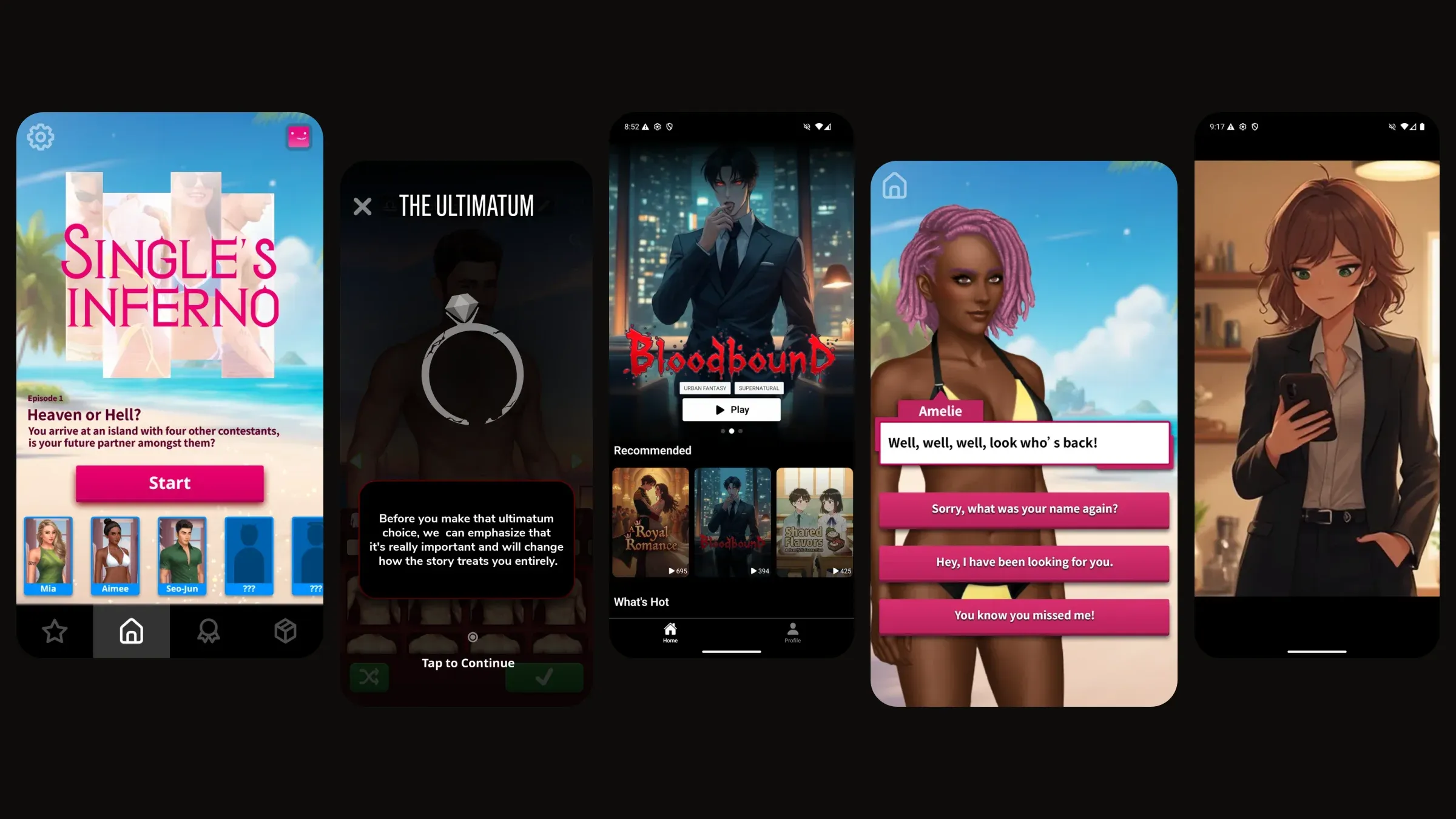
What makes a screen work?
A good screen disappears. The player is thinking about who to trust, who to kiss and who to send home, never about where the button went.
Getting there took the same three habits on every product: map the whole thing before drawing any of it, teach each rule at the moment it matters, and close the loop by asking players what they think. Here they are in three shipped products, and each one is something you can try.
Singles Inferno · Netflix
The whole game on one board
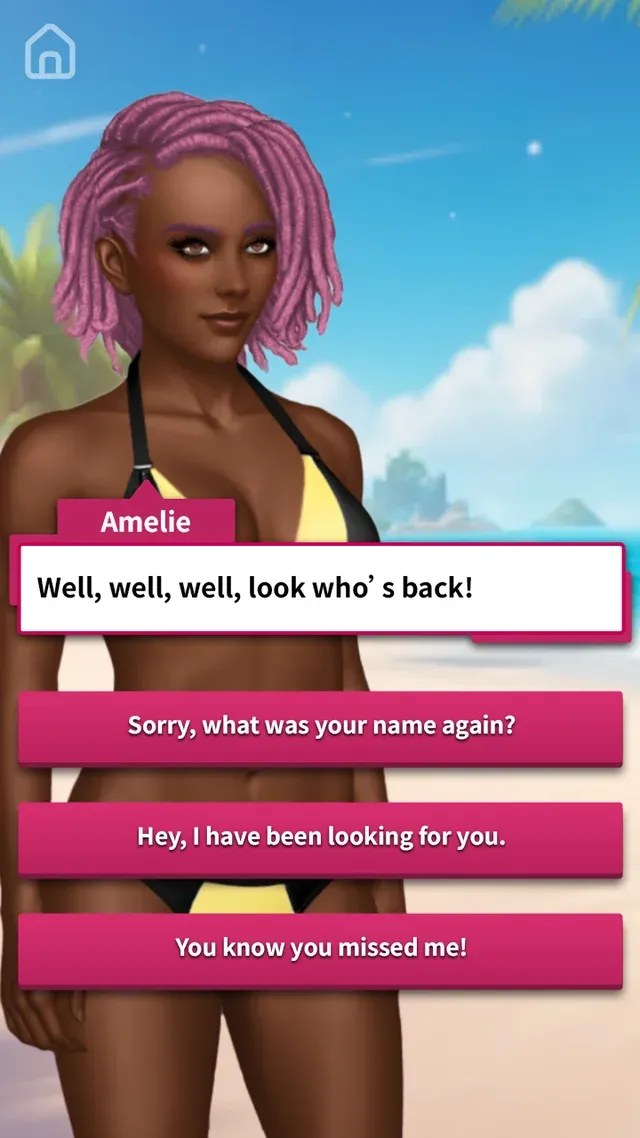
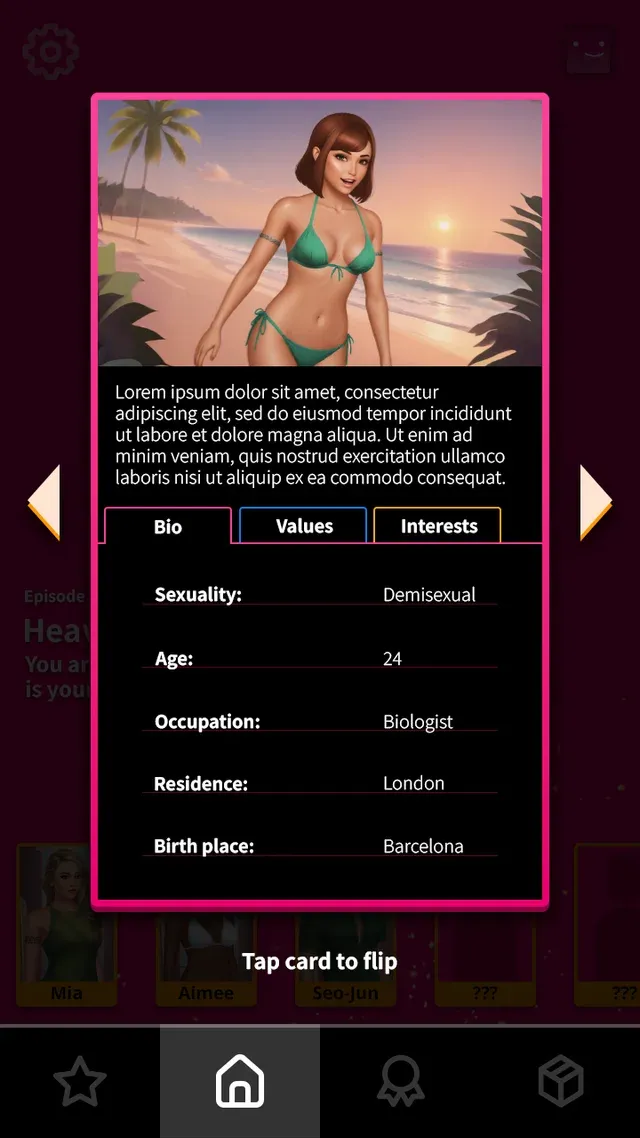
Before anyone built a screen, I put every feature the game would need on one Figma board: loading, bios, dialogs, the love leaderboard, secrets, hot tips, challenges, mailboxes and the confessional.
Seeing it all at once is what makes twenty features feel like one game. Every new screen had to sit comfortably next to its neighbours.
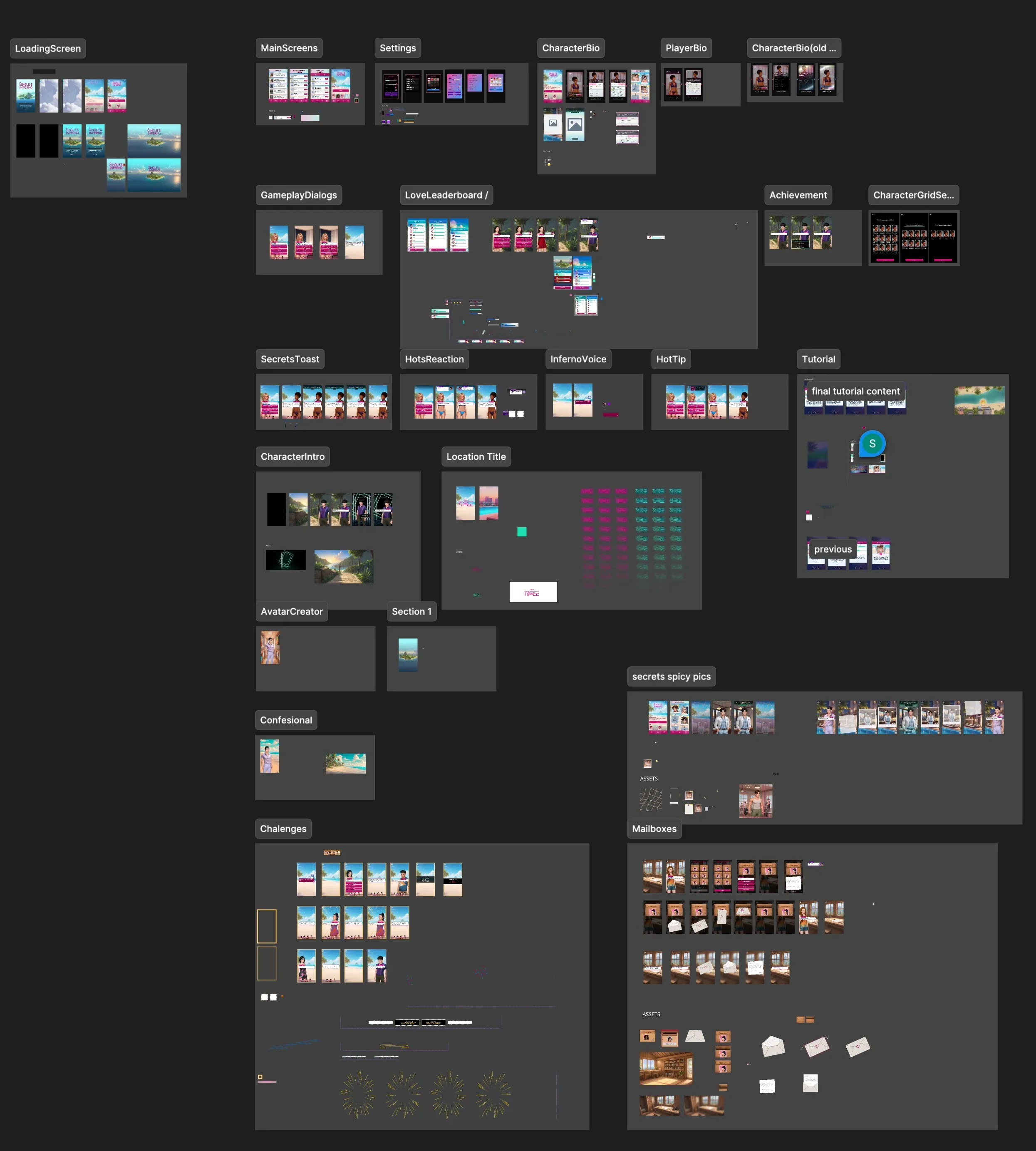
Pick a feature to fly to it.
The Ultimatum · Netflix
Teaching a game nobody reads the manual for
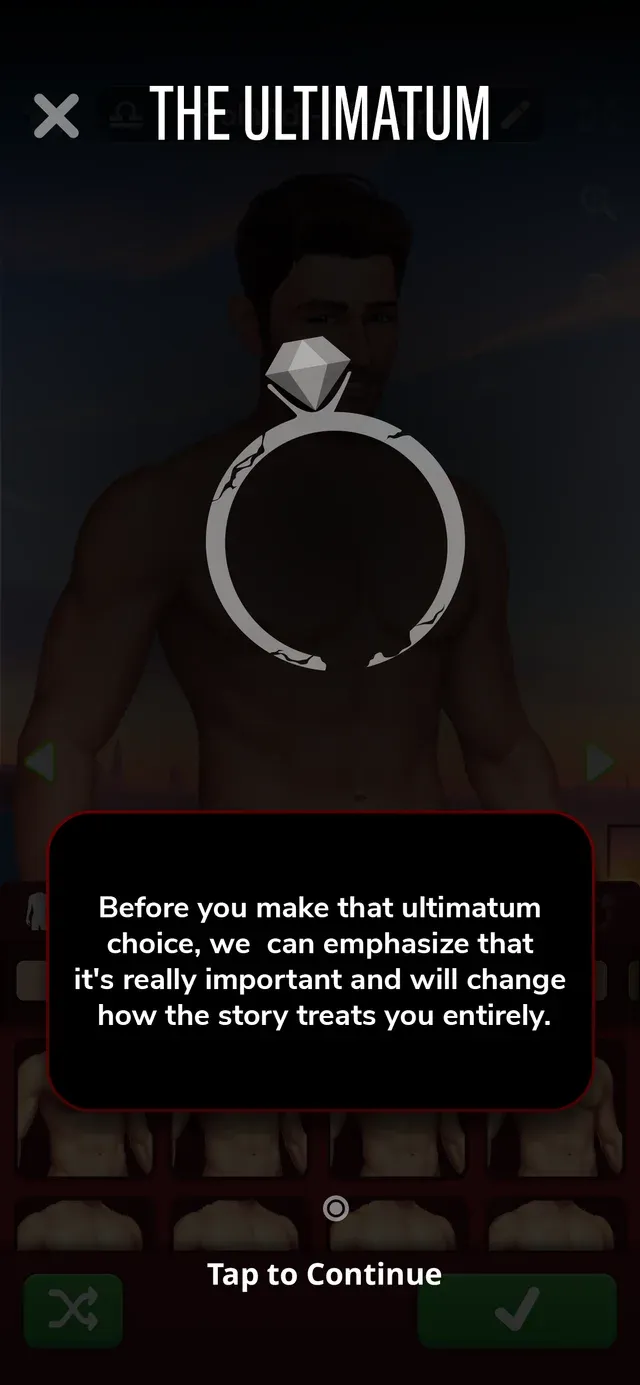
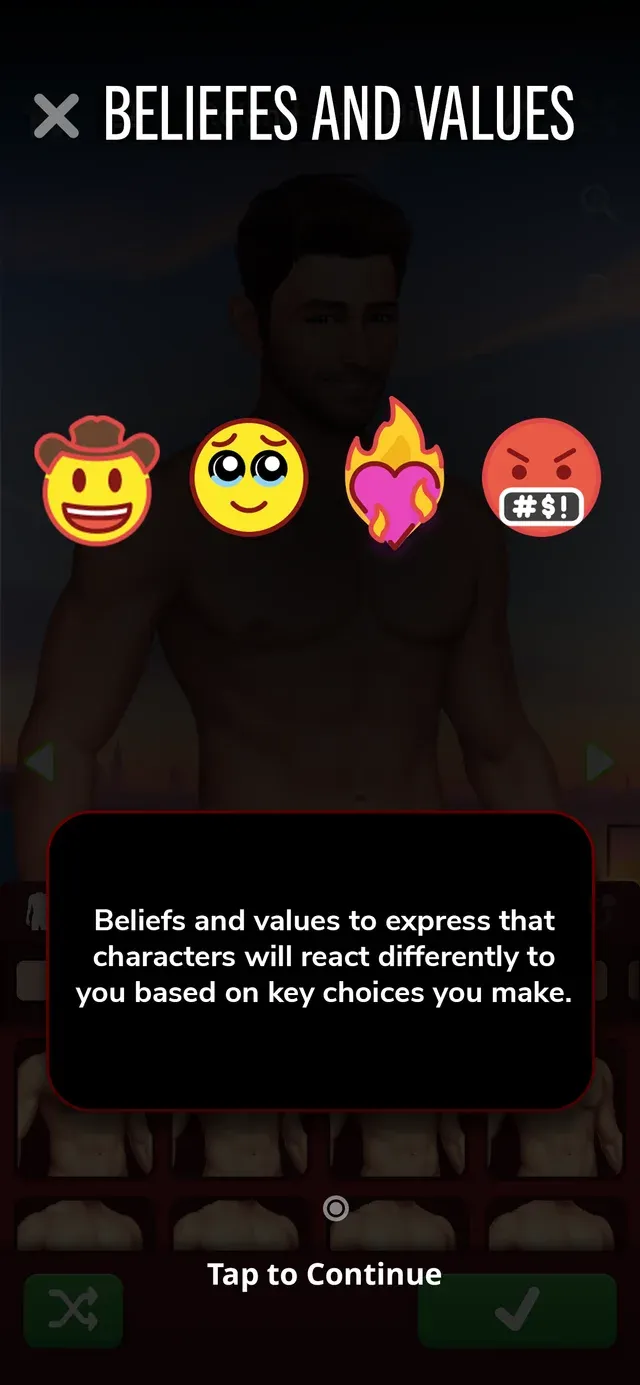
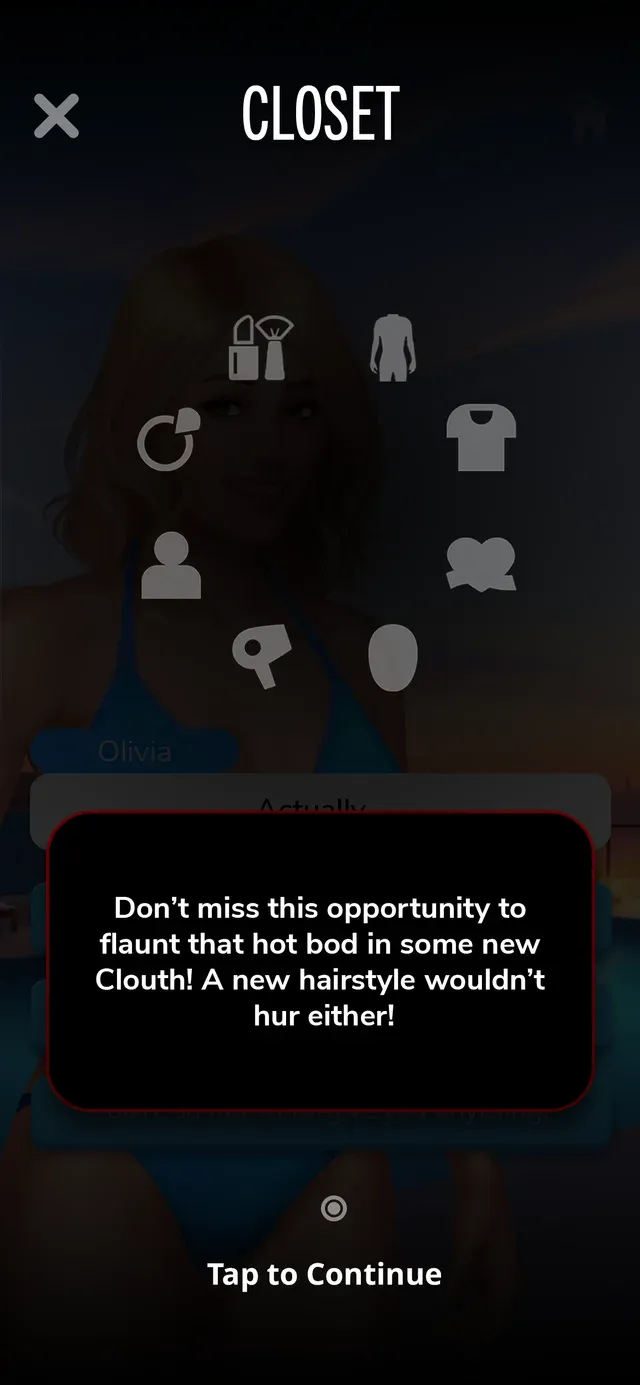
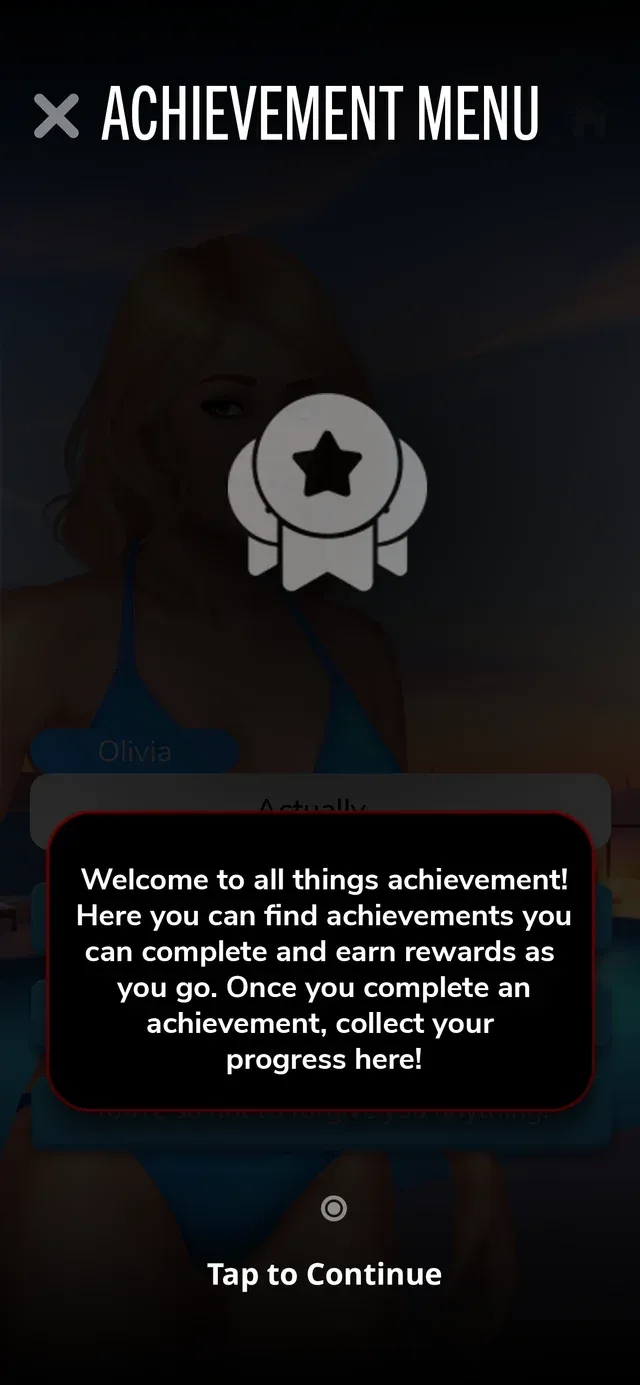
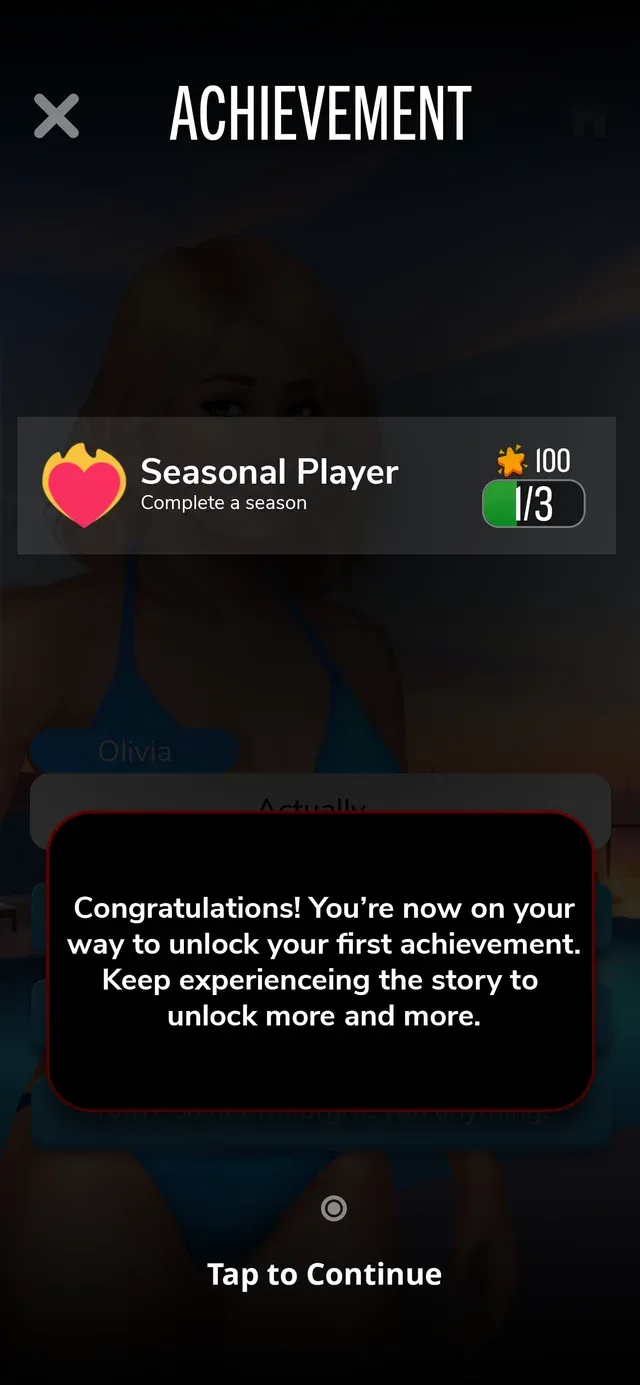
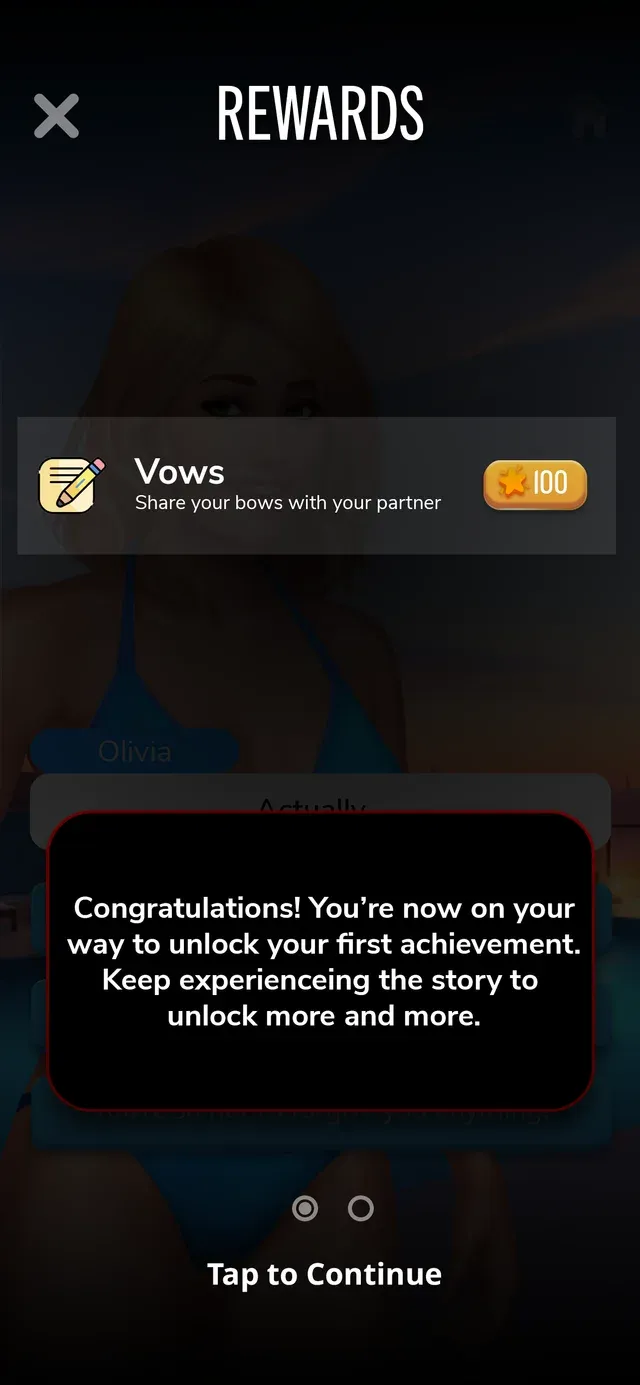
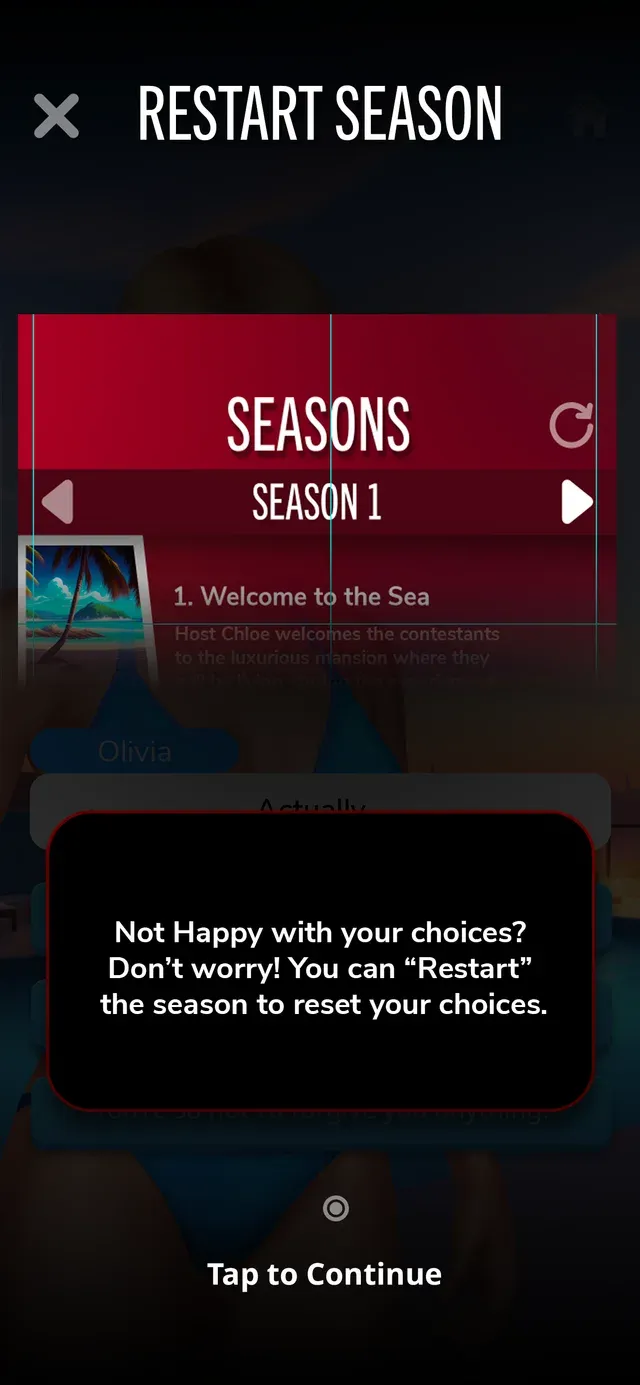
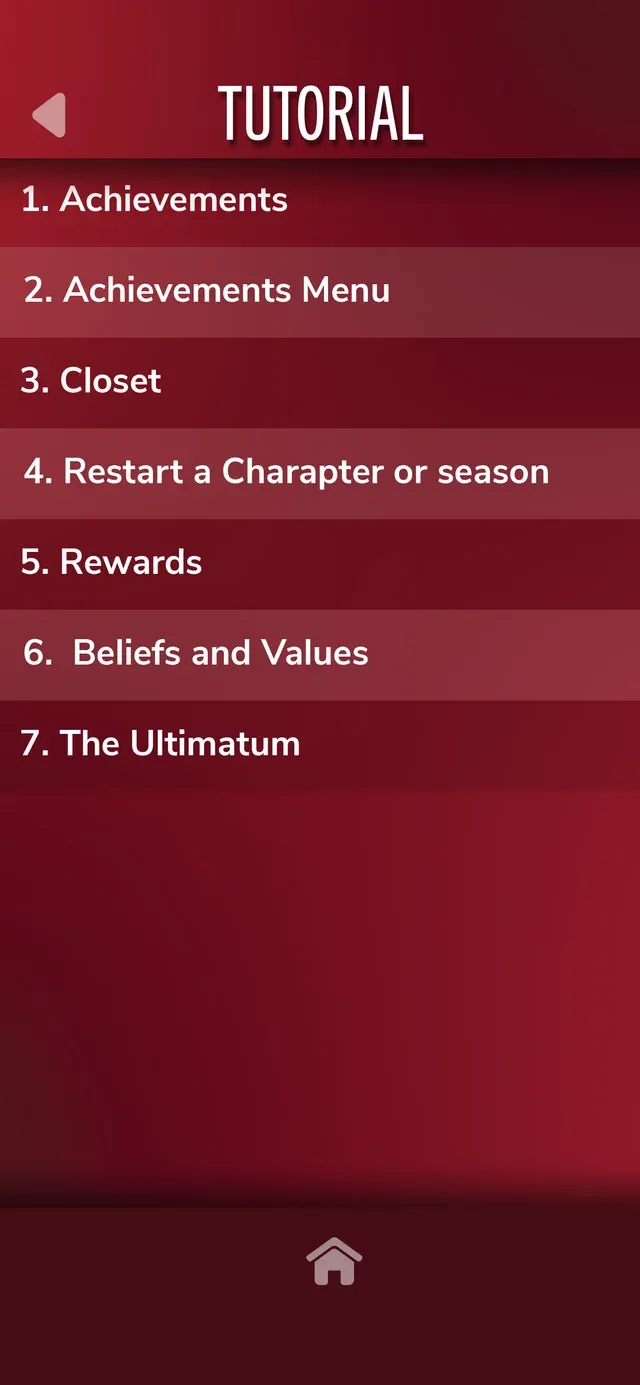
Players skip instructions, so the rules arrive one card at a time, right when each feature first shows up. I designed the tutorial cards, the menus around them and an icon set for the character creator.
Try it: tap the phone the way a player would.
Drawn for the character creator
- abs
- back
- beard
- bone
- buttocks
- ear
- elbow
- eye
- eyebrow
- finger nail
- foot
- hair
- hand
- head
- leg
- lips
- muscle
- navel
- neck
- nose
- throat
- toe
- tongue
- tonsils
- tooth
Localizing for 12 languages meant every font had to cover Korean, Japanese and Traditional Chinese without bloating the game. Vicky on my team tested each font in the build and wrote the fallback plan.
In the live build
Watch for Pronouns. Right after you name yourself, the game asks, and it never assumes.
PandaReel · Android
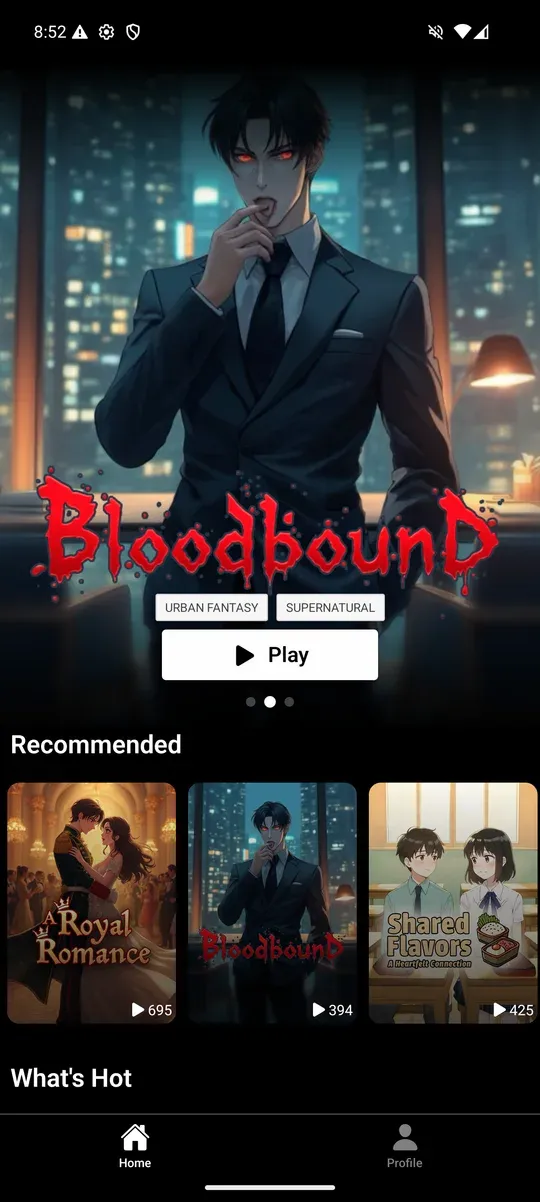
A whole app, from splash screen to survey
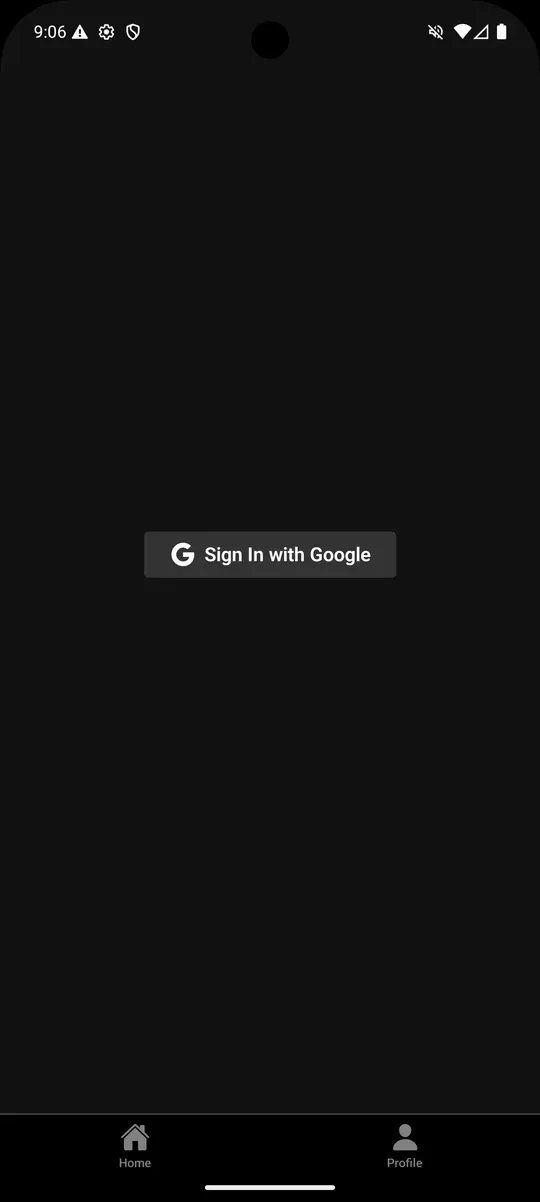
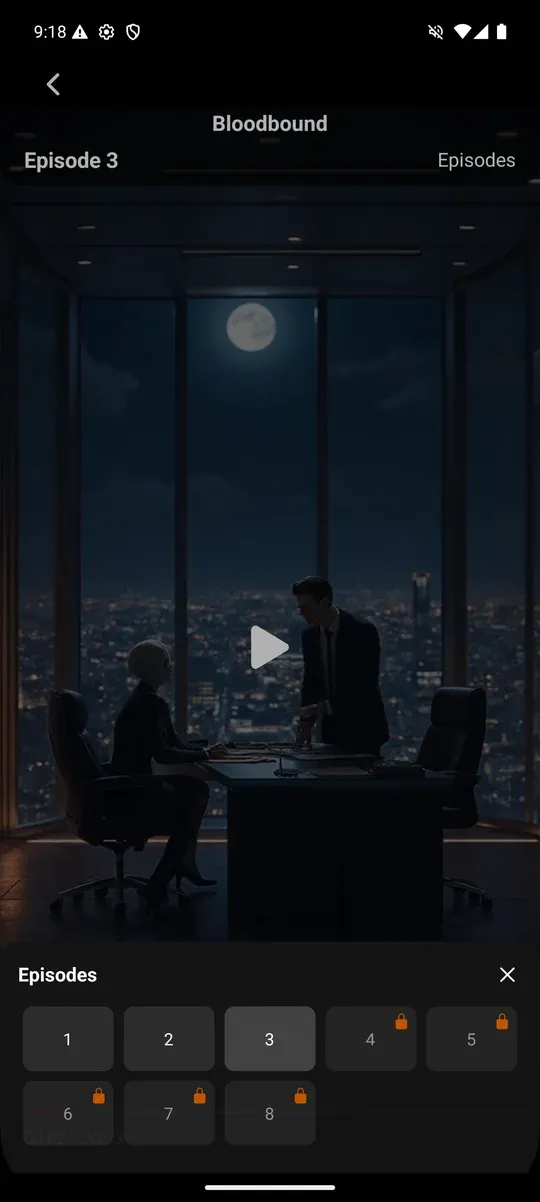
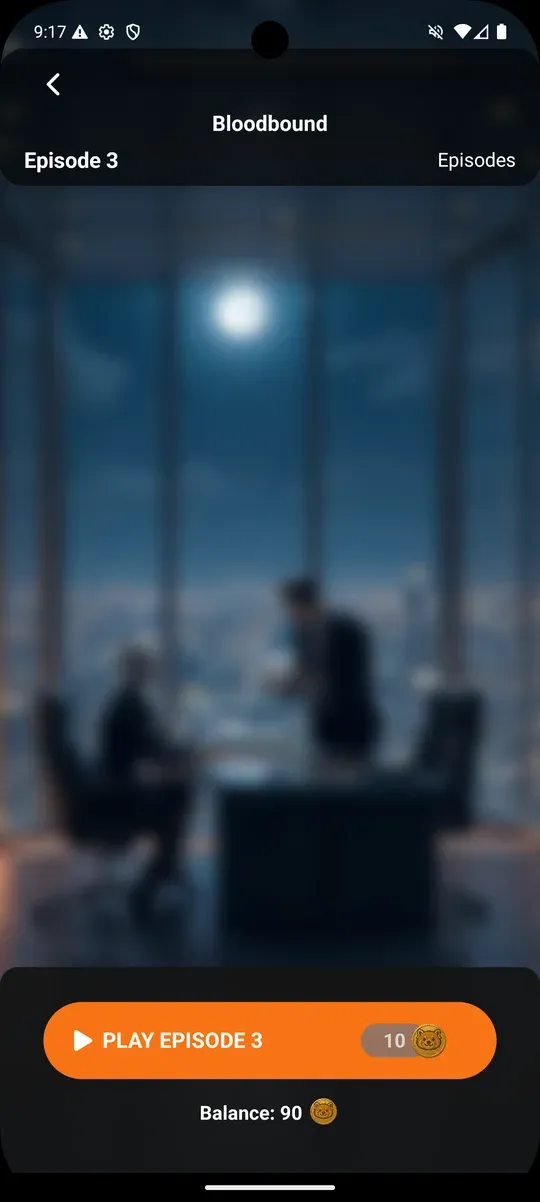
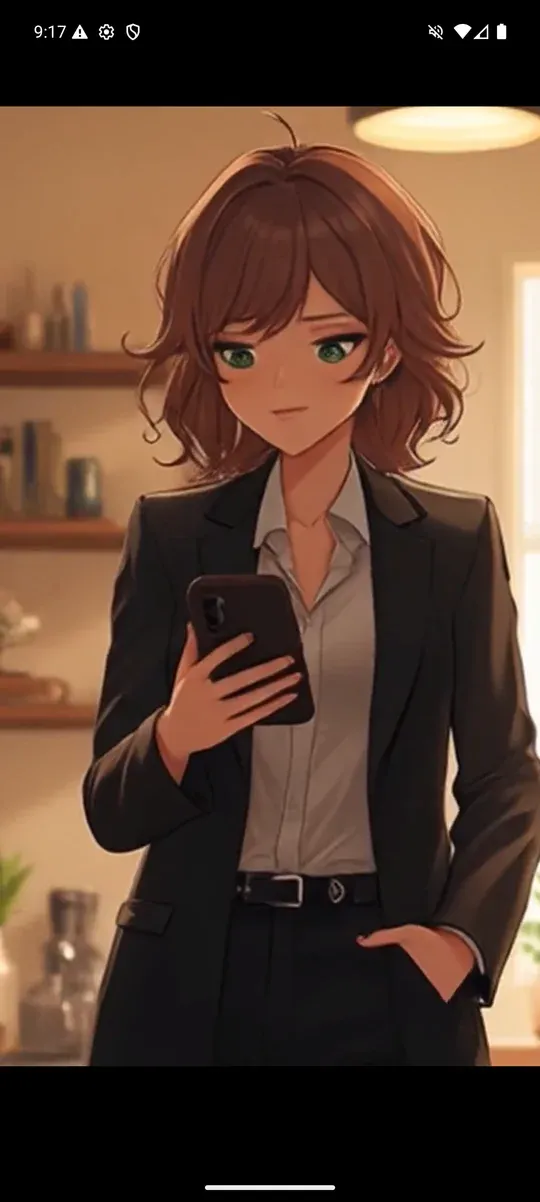
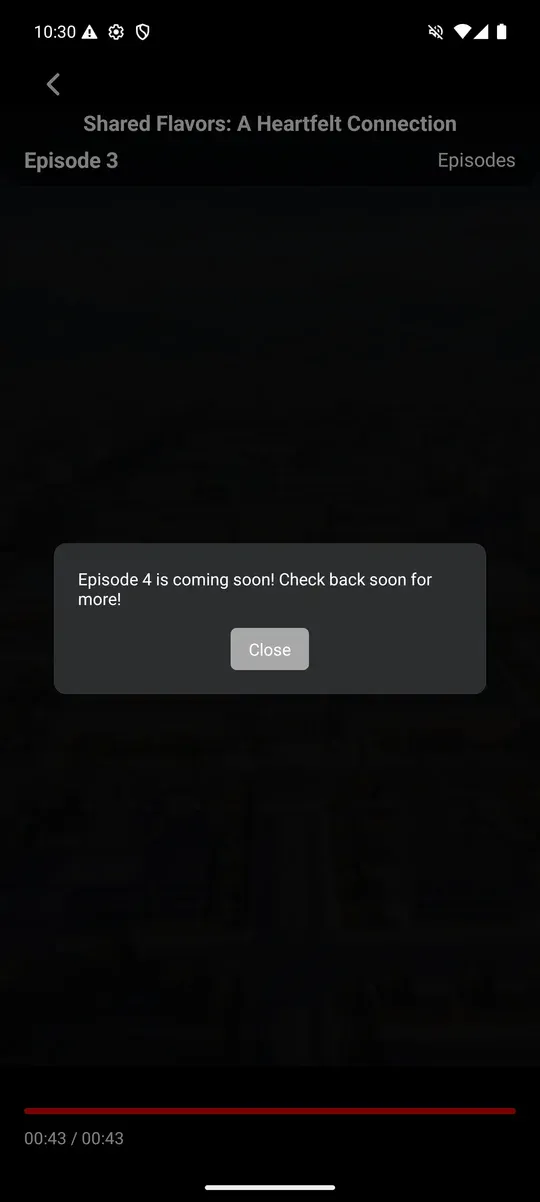
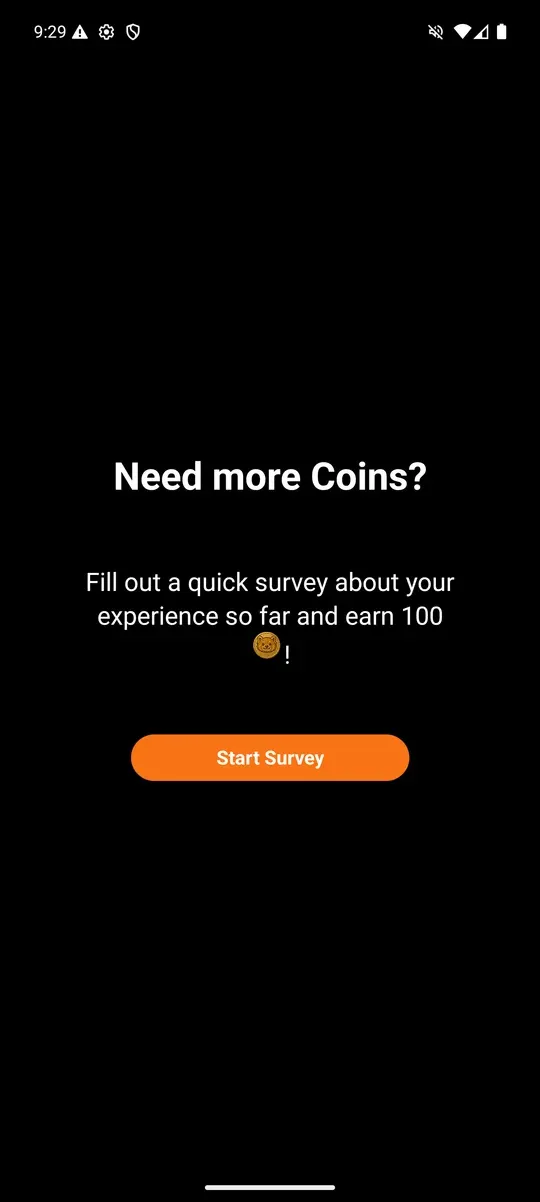
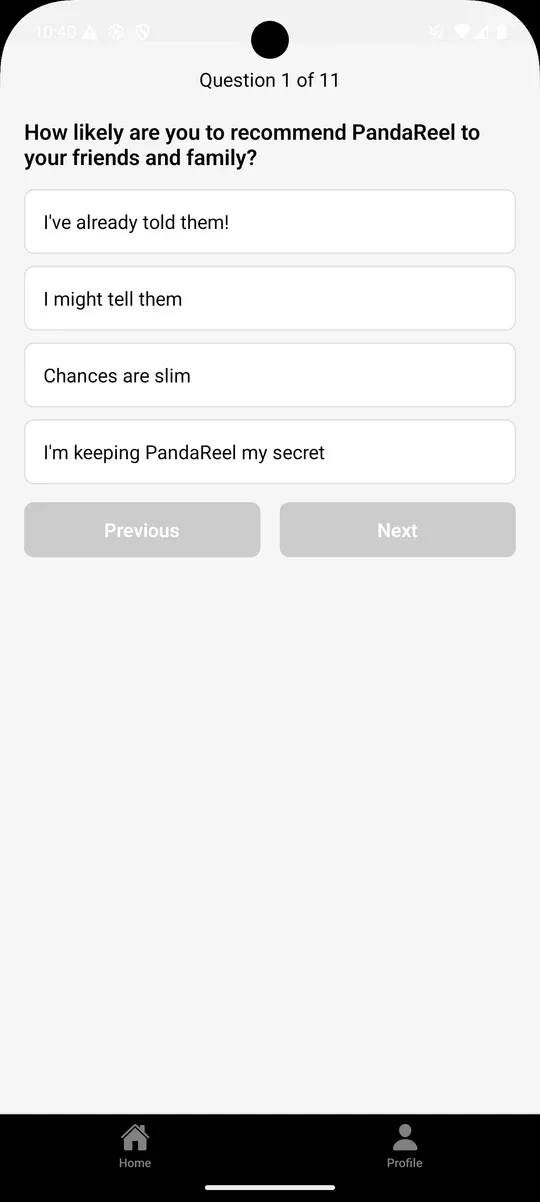
PandaReel streams short anime series on Android. I designed it end to end: sign in, browse, spend coins on an episode, watch, and earn coins back by telling us what you think.
That last loop does two jobs at once: the survey that pays for the next episode also tells the team what players think.
Map it whole, teach it in the moment, ask the people using it. It held for two Netflix games and a streaming app, and it's how I'd start on yours.